NaboTV is now on Google Play and the App Store
· 3 min read · Filed under nabotv publicity
Back in 2014 I launched a Kickstarter for Nabo TV because it felt like TV had stopped moving forward. Every media center did roughly the same thing, and none of them made it any easier to figure out what to watch. A lot has changed since then, starting with how many streaming services the average household pays for, but that frustration never went away.
Today, NaboTV is publicly available on Google Play and the Apple App Store.
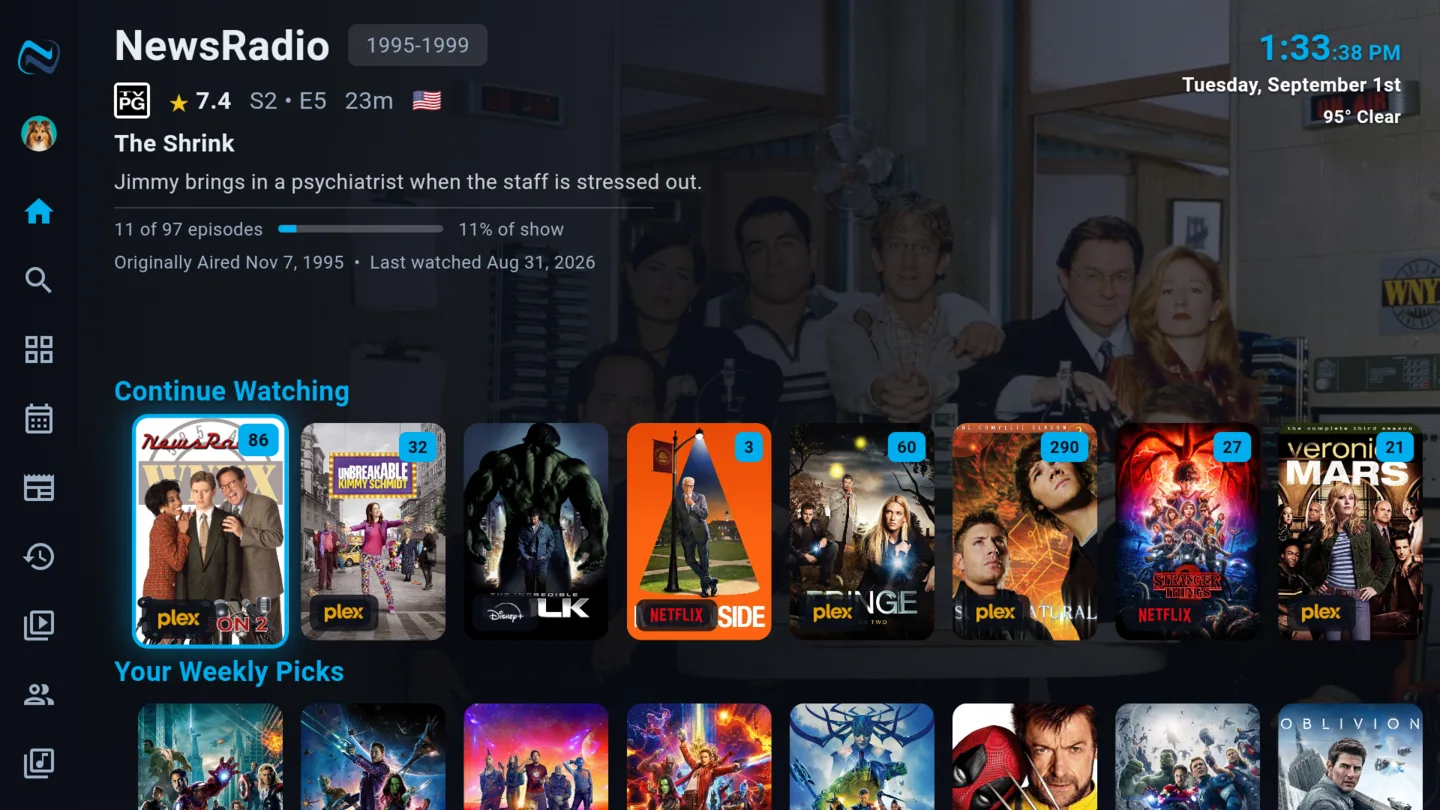
What NaboTV is
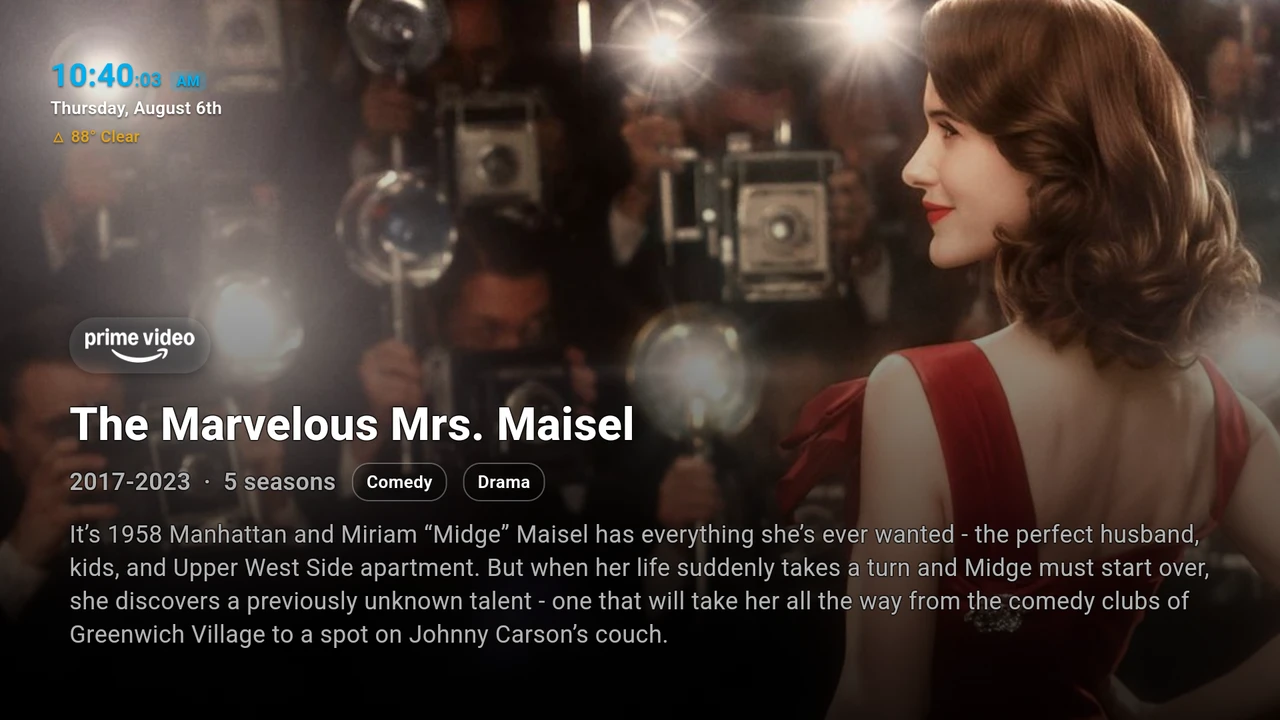
NaboTV isn't a TV, and it isn't another streaming service. It's the guide that sits in front of the services you already pay for, like Netflix, Disney+, Prime Video, Hulu, and Max, plus your own Plex, Emby, or Jellyfin library. You browse and search everything in one place, see only what you can actually watch, and press play. NaboTV opens it in the right app, at the right episode.
Your own media plays in NaboTV's built-in player, with resume and subtitles included. Your progress is written back to your server as you watch, so Plex, Emby, and Jellyfin stay in step.
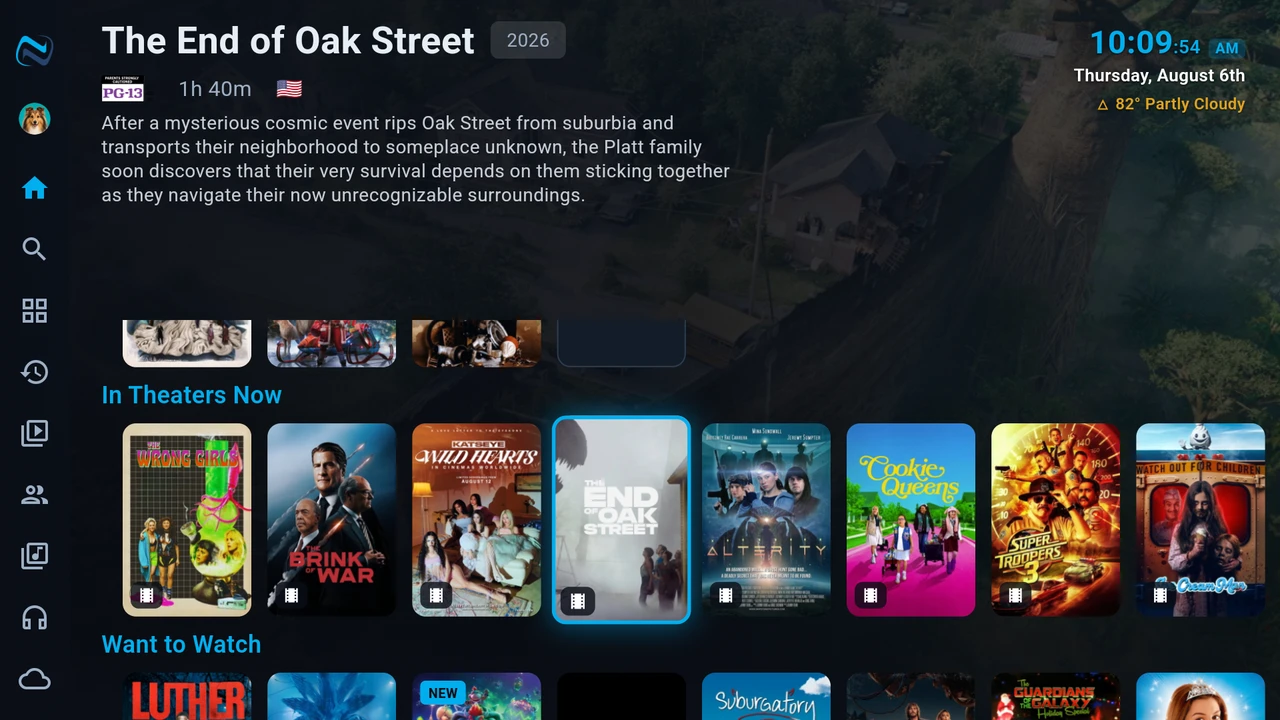
The details I kept wishing someone would fix
A lot of NaboTV came out of small annoyances that add up every night in front of the TV. A few of my favorites:
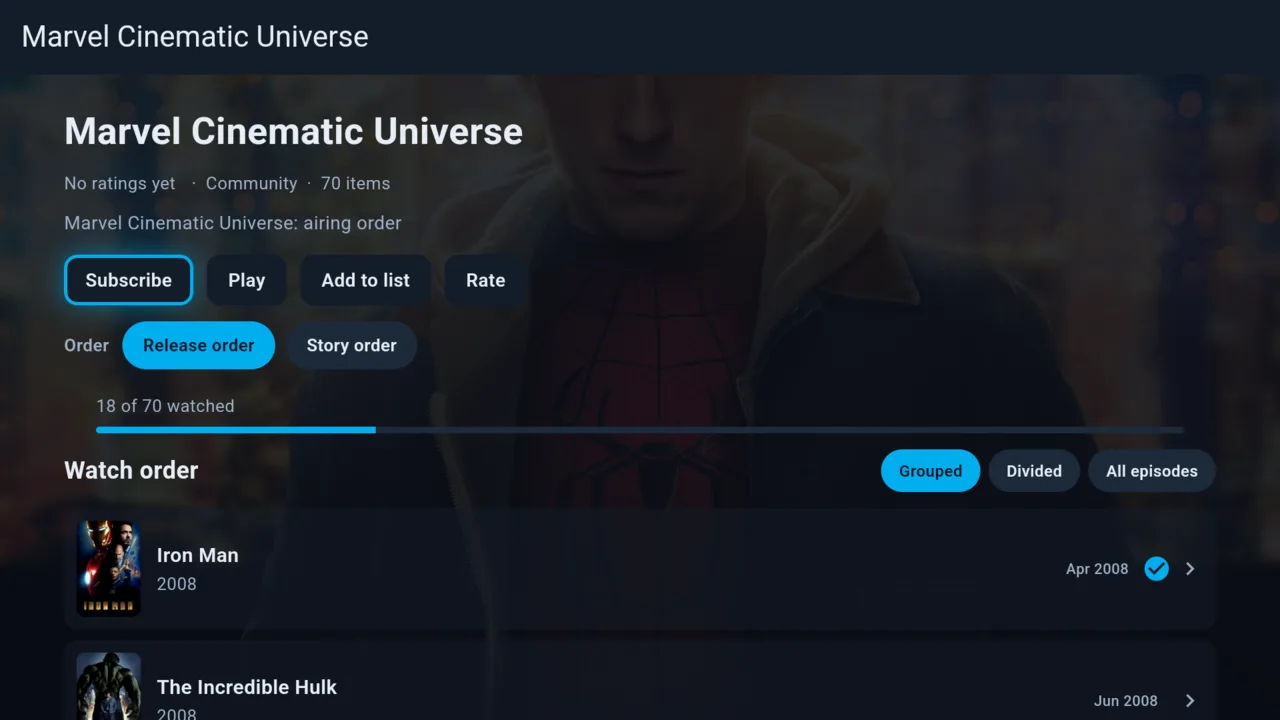
Collections in the right order. Subscribe to a franchise and watch it straight through. All 70 entries of the Marvel Cinematic Universe are there, in release order or story order. When a universe mixes movies and shows, NaboTV slots the episodes in where they belong, and one progress bar tracks the whole run.
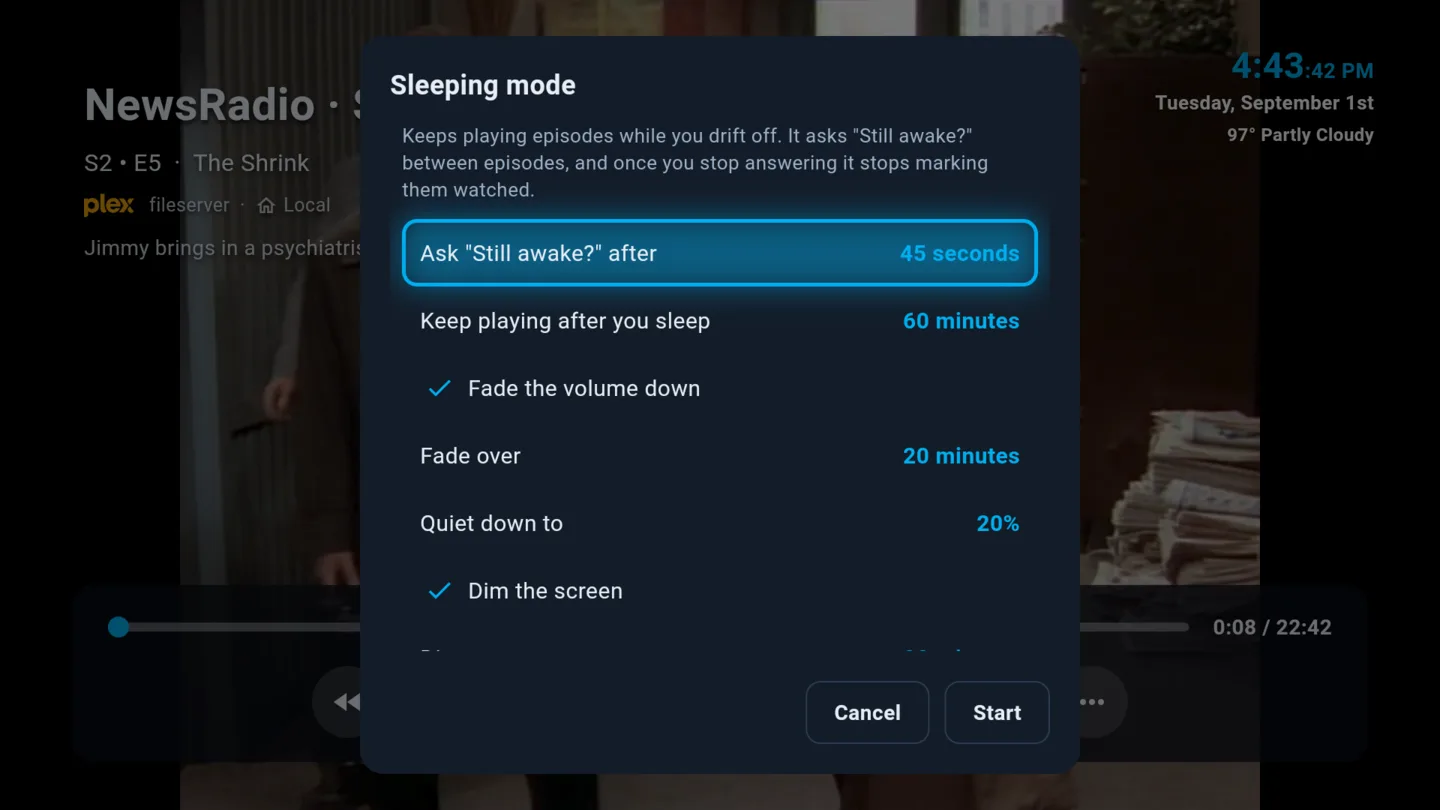
Sleep mode. Doze off three episodes into a season and most players will happily mark the next five as watched. NaboTV asks "Still awake?" between episodes. Once you stop answering, it stops marking episodes watched, fades the volume, and dims the screen. In the morning, Continue Watching is still on the episode you fell asleep in.
Subtitles that fix themselves. Everyone has hit the subtitle file that runs three seconds ahead, or drifts further out with every break. NaboTV listens to a few short stretches of the audio, finds those lines in the file, and retimes every cue to match what was said. If a file has no subtitles at all, it can find them on OpenSubtitles or generate them.
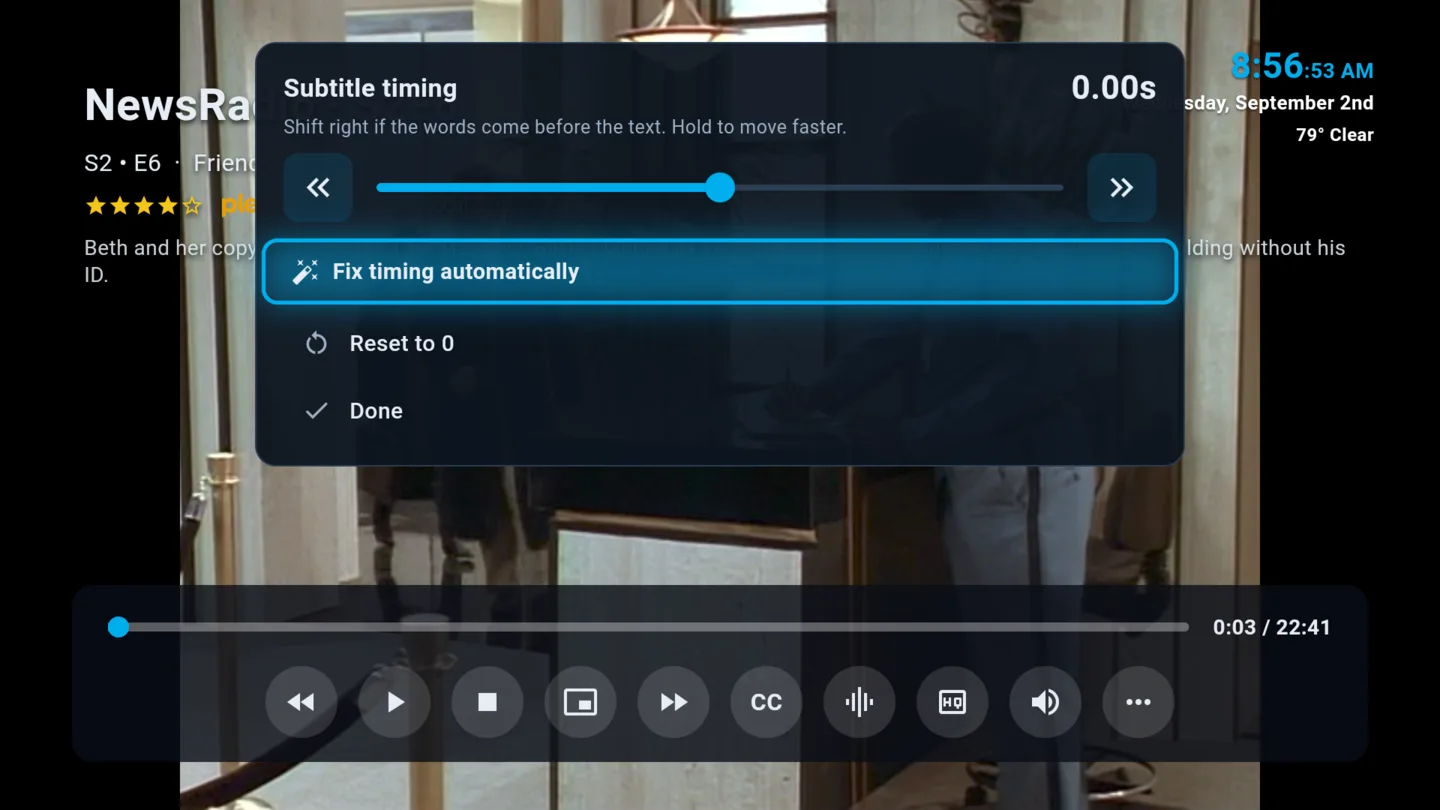
Weekly picks. Ten recommendations every week, built from what you rated highly and what you actually finished. It never suggests something you've already started or added to a list.
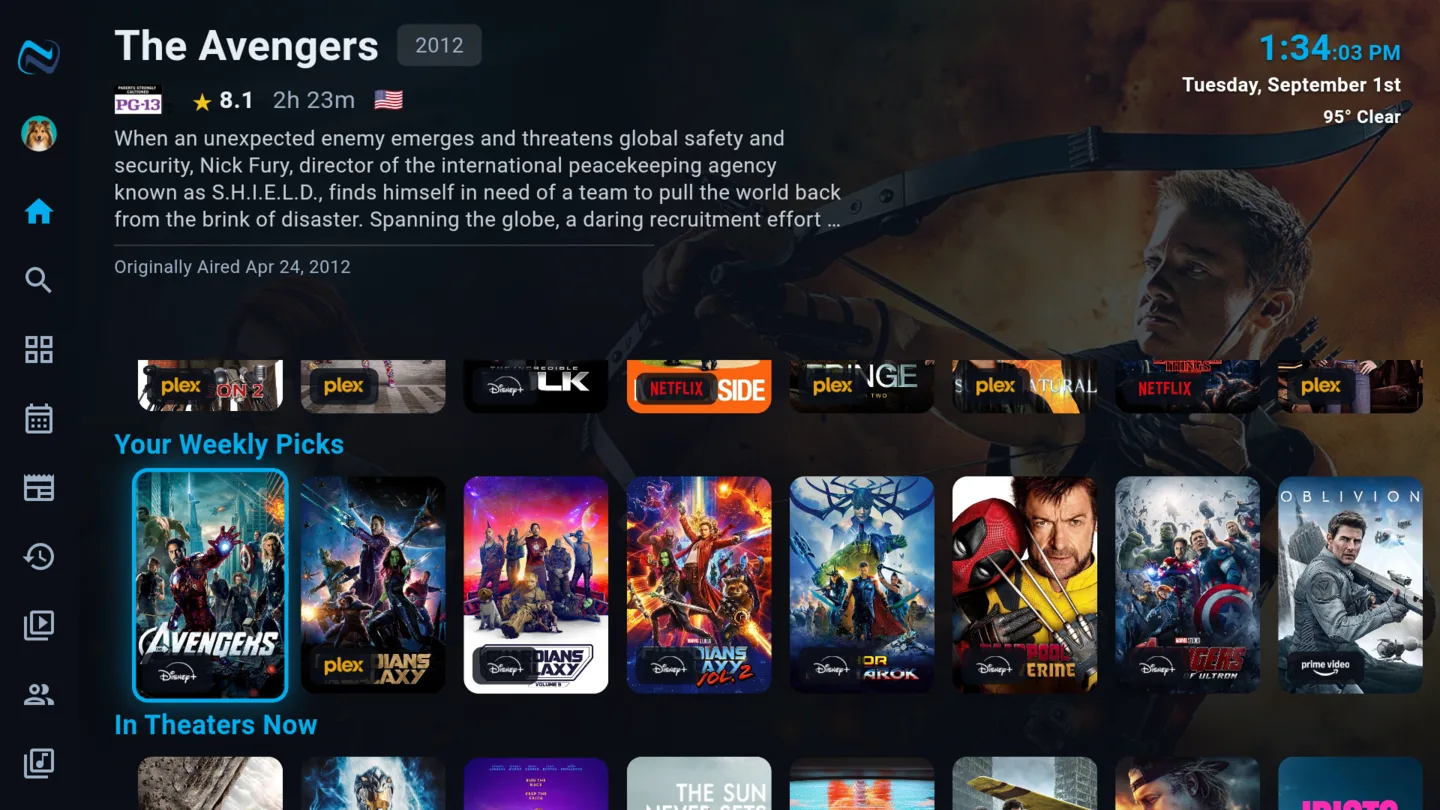
More than a guide
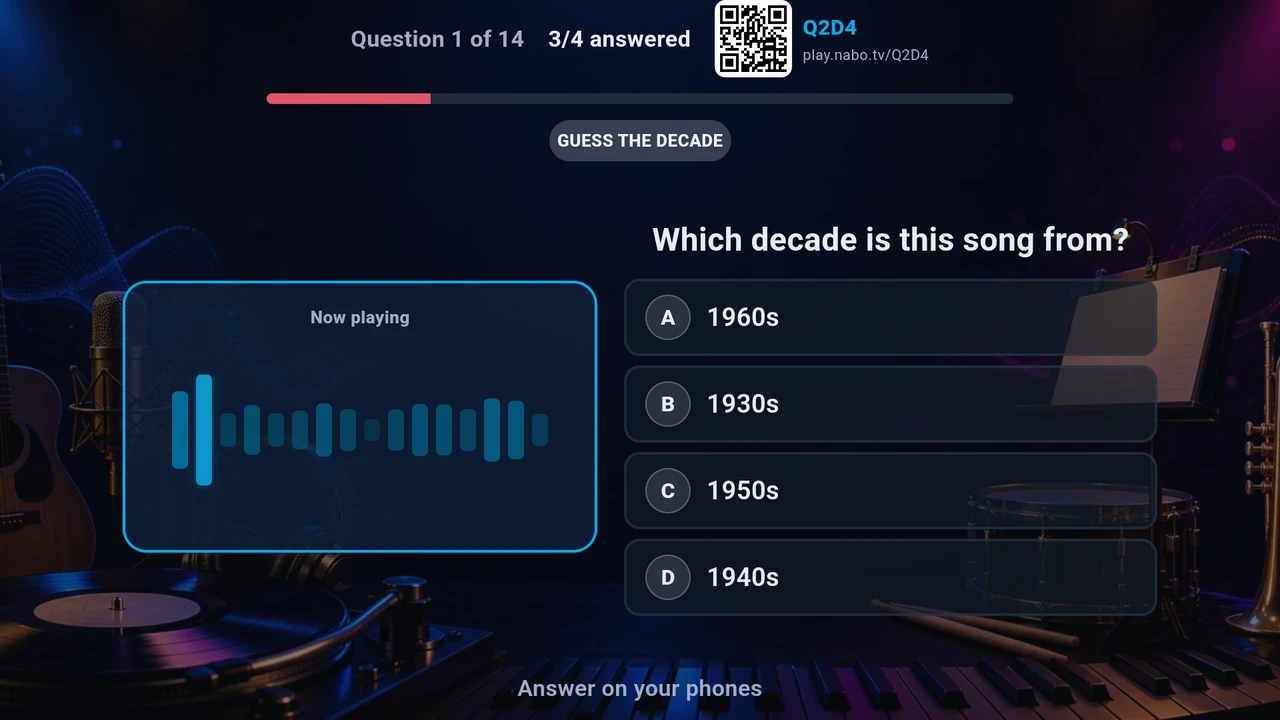
The TV is also where people spend time together. Game night turns it into a trivia board, with every phone in the room as a buzzer. There's nothing to install and no controllers to find, and AI opponents fill the empty seats when you're short a player.
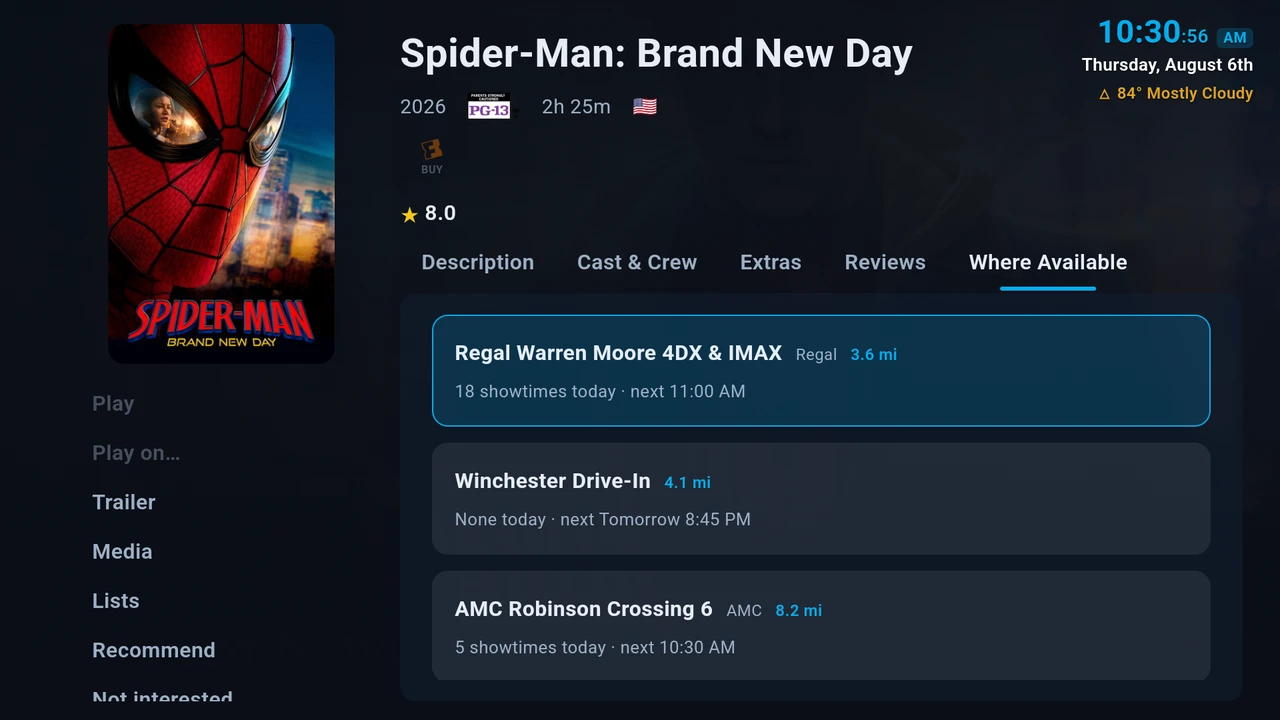
When something new is in theaters, you can watch the trailer on the big screen, find showtimes at the theaters nearest you, and scan a code to buy tickets on your phone. Nobody has to type a card number with a remote.
And when nobody is watching, the screensaver cross-fades between aerial footage, your own photos, the weather, headlines, and a bit of trivia about what you watched last night.
Where to get it
Create an account, install the app, and pair your TV using the code it shows you.
- Android: Google Play
- iPhone and iPad: App Store
- In a browser: app.nabo.tv
It also runs on Android TV, Google TV, Fire TV, and Apple TV. A Roku version is in beta, and Samsung and LG TVs are coming soon. nabo.tv has the full list of features.
For the programmers who read this blog: NaboTV's backend is written in Scala, with its data in LightDB and logging through Scribe.
If you give it a try, I'd love to hear what you think. Leave a comment below, or find us on Discord and Reddit.